 for Jira

GitHub
Coming soonLink commits and pull requests to the work they deliver.
Rundown is built on Jira and plugs into the apps your team and clients work in every day. Build a report once and let Rundown deliver it on schedule.
Connect your Jira Cloud site once and Rundown reads the projects, issues, sprints and worklogs you already trust. The sync runs both ways: when a plan is ready, push planned estimates, assignees and sprints back to Jira in one click.
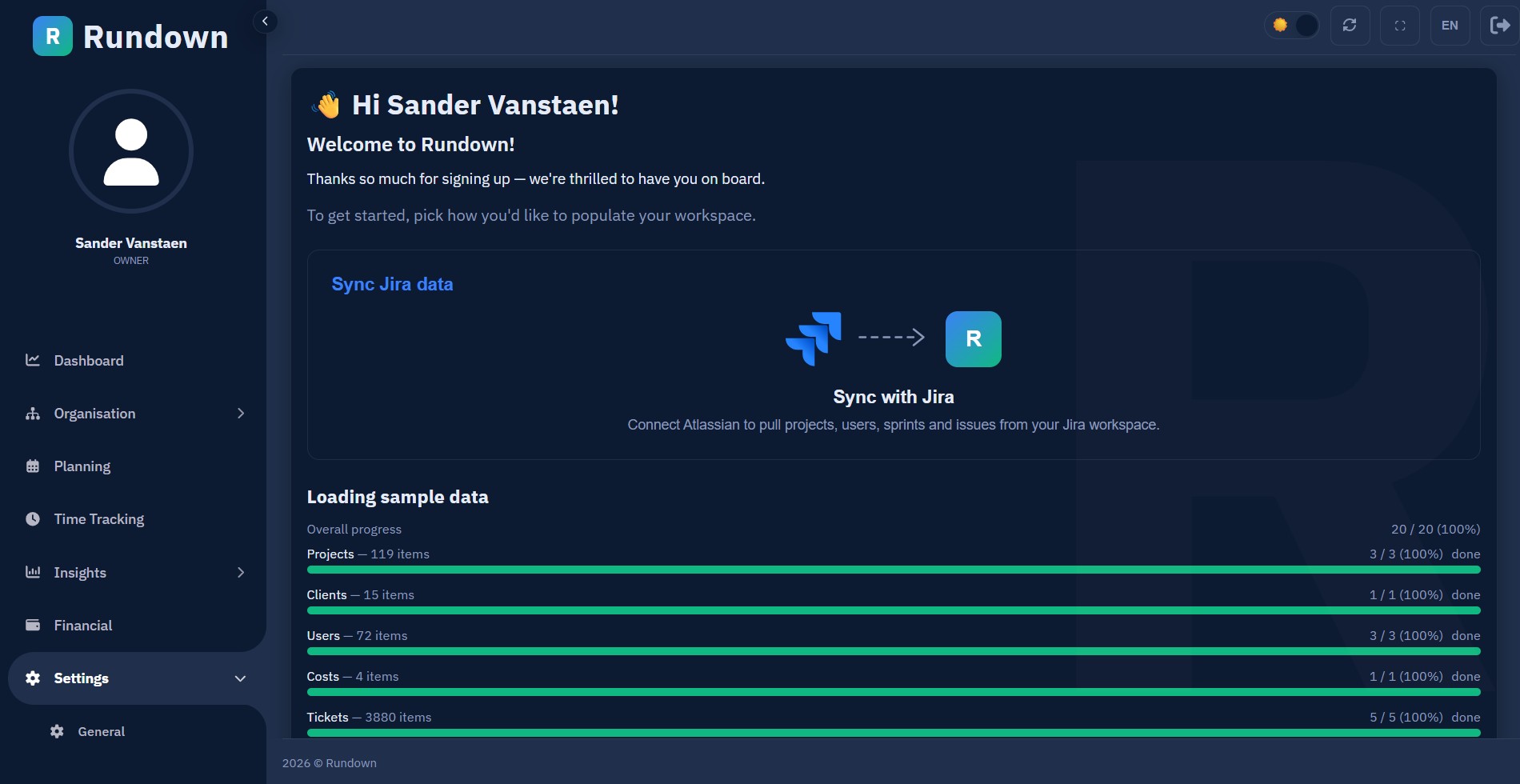
Rundown for Jira is a native Jira Cloud app, installed from the Atlassian Marketplace. A Jira admin installs it once and every teammate gets the Rundown panel on every issue, inside Jira itself: no browser extension to roll out.
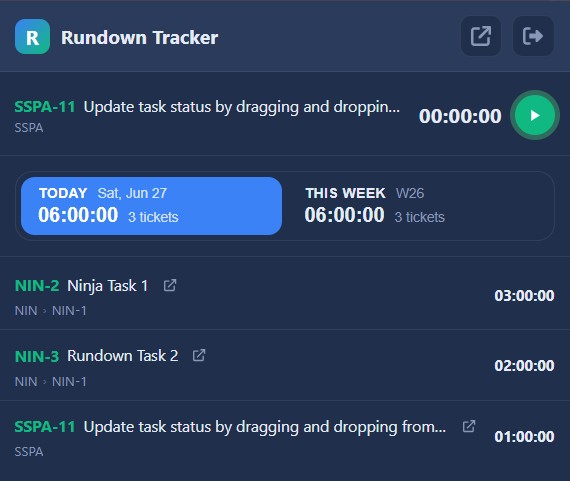
The Rundown Tracker for Chrome drops a timer onto every Jira issue. One click starts it, the running timer stays in your toolbar while you work in other tabs, and stopping it creates a real time entry in Rundown.
Post any Reporting Studio report into the Slack channels you choose, on demand or on a schedule: yesterday’s hours every morning, budget burn on Friday, margin at month-end.
The next integrations we are building. Tell us which one your team needs first and it moves up the list.
Link commits and pull requests to the work they deliver.
The same scheduled reports, delivered into your Teams channels, for organisations that live in Microsoft 365.
Reports straight to the inboxes of the people who need them, including clients and managers who never open Rundown.
See planned work and leave alongside your Outlook calendar.
Sync planned work and leave with Google Calendar.
Bring leave and absences from Personio into the planner.
Send billable hours to Exact Online for invoicing.
Analyse Rundown data in your own Power BI dashboards.
Export hours, budgets and plans to Google Sheets.
Start projects from won HubSpot deals.
Book a demo and tell us what your team works in. Or start free today: connect Jira and Slack in minutes. Free for 60 days, no credit card required.